Trusted by 266,000+ users
Replace doomscrolling
with push-ups
Block the apps that eat your day. Earn the minutes back with real reps — counted automatically by your camera, on both iPhone and Android.


How it works
Three steps, and then it runs itself. No willpower required — the phone simply will not open until you have moved.
- 01
Pick your distractions
Social, games, video — whatever you lose an evening to. Choose as many as you like.
- 02
Hit a wall
Open one and PushUp Time is there instead: the app is locked, and there is exactly one way through.
- 03
Earn your way in
Do push-ups or squats in front of the camera. Every rep buys minutes, and you spend them where you want.
Built to be hard to cheat
An app blocker you can talk your way past is a to-do list. This one wants reps.
Your camera does the counting
On-device pose detection follows your elbow angle and knee depth. No tapping a counter, no trusting yourself to be honest.
Nothing leaves your phone
The video is never uploaded or stored. Rep detection runs entirely on the device, on iOS and Android alike.
Blocking that actually holds
Built on iOS Screen Time and Android's accessibility service, so a blocked app stays blocked until you have earned your way past it.
A balance you can see
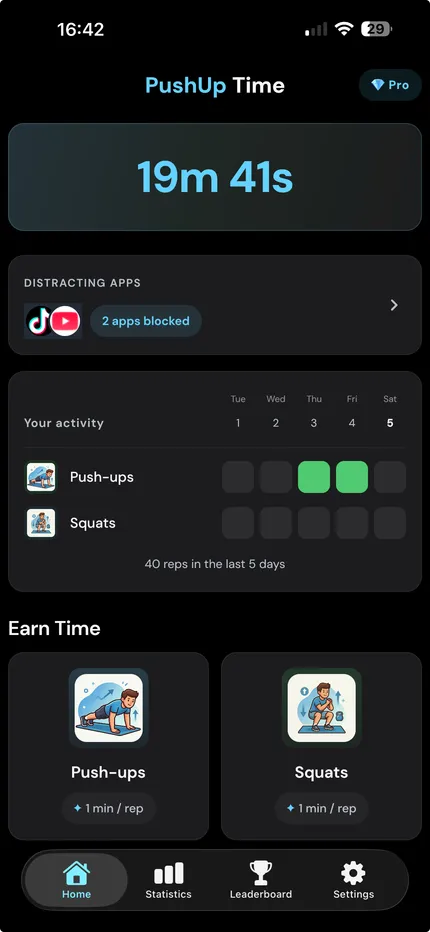
Minutes accumulate as you work, and drain as you scroll. The trade is explicit, which is the whole point.
Six months at a glance
Every rep lands on a contribution grid. Streaks stop being a feeling and start being a picture.
A global leaderboard
Earn twenty push-ups to claim a spot, then see where you stand against everyone else who chose the hard way in.
The whole loop
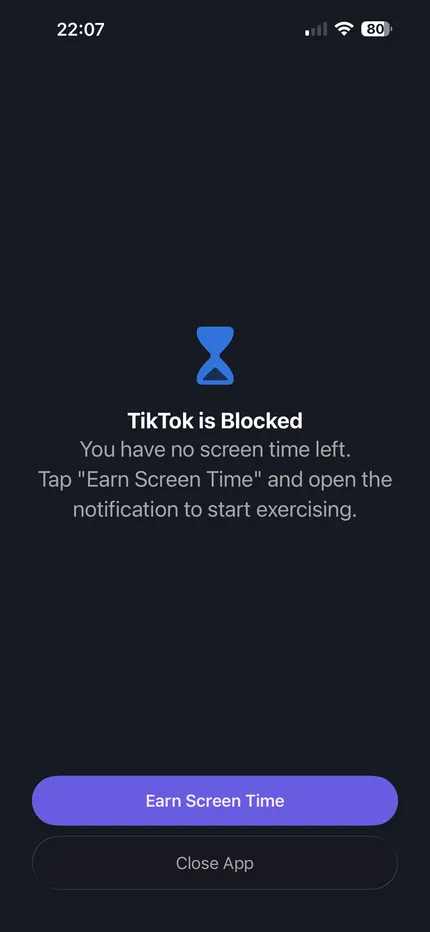
The wall
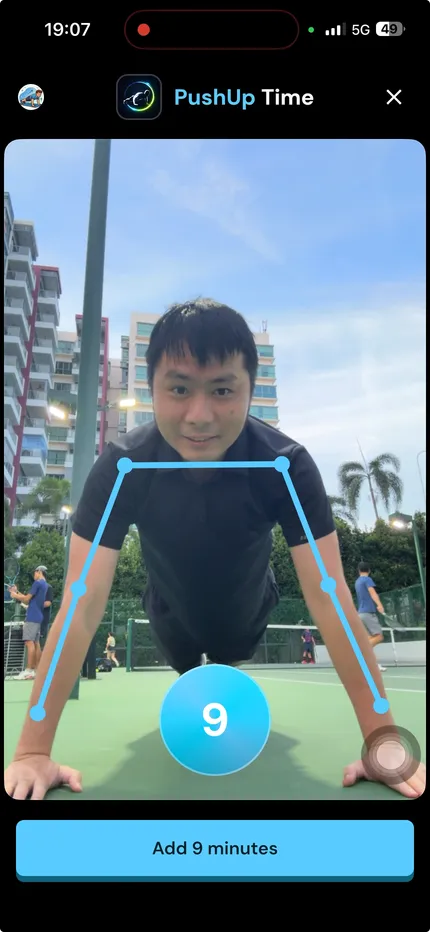
The reps
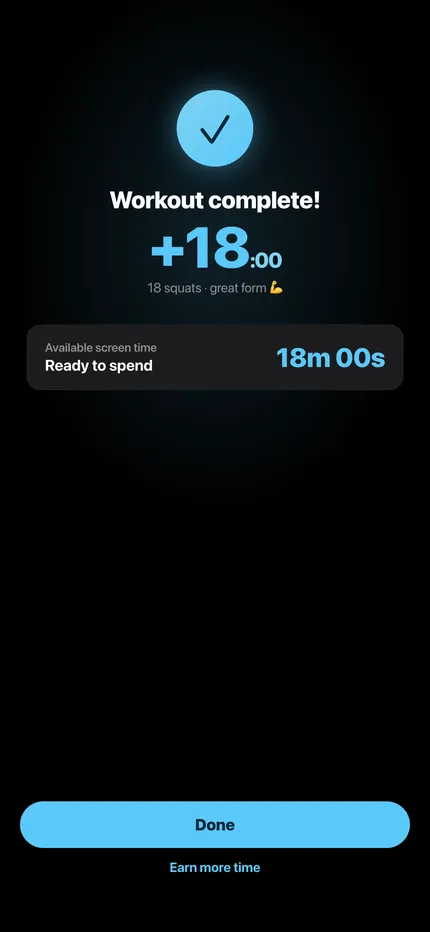
The payoff
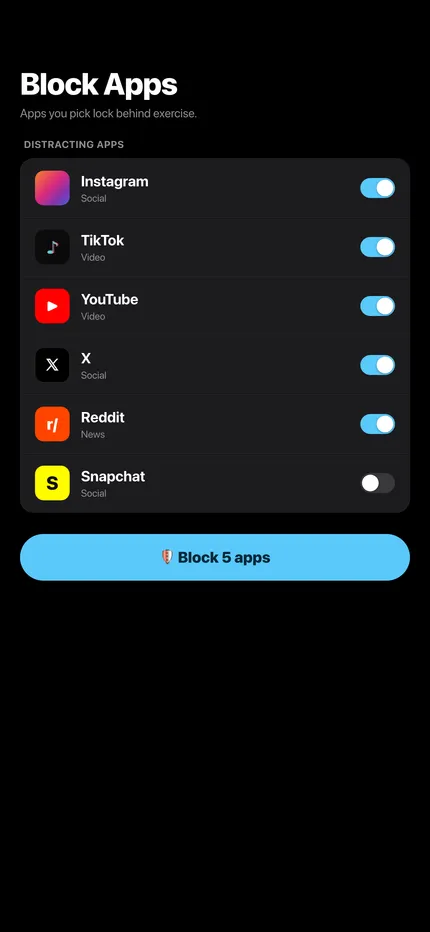
The setup
The balance
Questions people ask
How does exercise detection work?
PushUp Time uses on-device AI and your phone's camera to detect and count your reps in real time. Prop the phone where it can see you, start doing push-ups or squats, and the count runs itself — no wearable, no extra equipment, and no tapping a counter.
Which apps can I lock with PushUp Time?
Any app on your phone you find distracting. Popular choices are Instagram, TikTok, X, Facebook and YouTube — but games, shopping and news apps work the same way. Pick the ones you want to control and set what a rep is worth.
Is it free?
Yes. PushUp Time is free to download and use every day. Pro is an optional subscription that lifts the daily workout limit and removes ads.
Does it really block apps?
Yes. On iPhone it uses Apple's Screen Time framework, on Android an accessibility service. A blocked app stays blocked until you have minutes to spend.
Does my camera footage go anywhere?
No. Reps are detected on the device itself and the frames are discarded as they are processed. Nothing is uploaded, and nothing is stored.
Do I have to hold the phone while exercising?
No — prop it up so your body is in frame and start. The count runs on its own and tells you when a rep is complete.
Which exercises are counted?
Push-ups and squats, both with form checks. More are on the way.
Which phones does it work on?
iPhone and Android, from one codebase, with the same rules on both.
Your next scroll costs twenty push-ups
Free to download, free to use every day. Takes about a minute to set up.